dawnr for iPhone
Start your mornings out of bed.
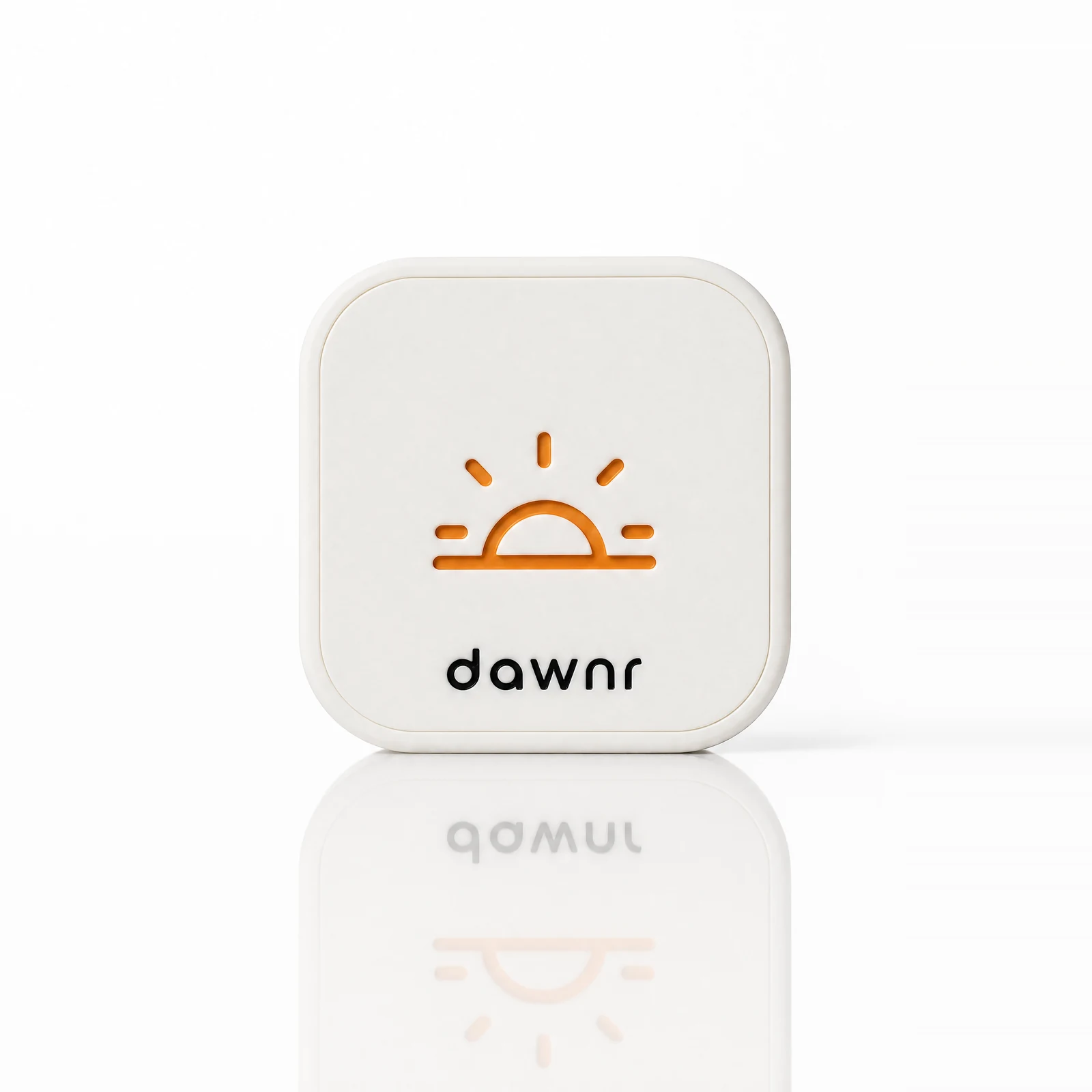
dawnr is a physical device that gets you out of bed to stop your iPhone alarm—and blocks distracting apps to help prevent bed rotting.dawnr is a physical device that gets you out of bed to stop your iPhone alarm—and blocks distracting apps to help prevent bed rotting.
iPhone compatibilitySmall device. Physical next step.
Out of bed.
Into your morning.
Your iPhone rings. Get up and scan dawnr out of arm’s reach to stop it.
Get dawnr.30-night money-back guarantee
How dawnr works
How it works.
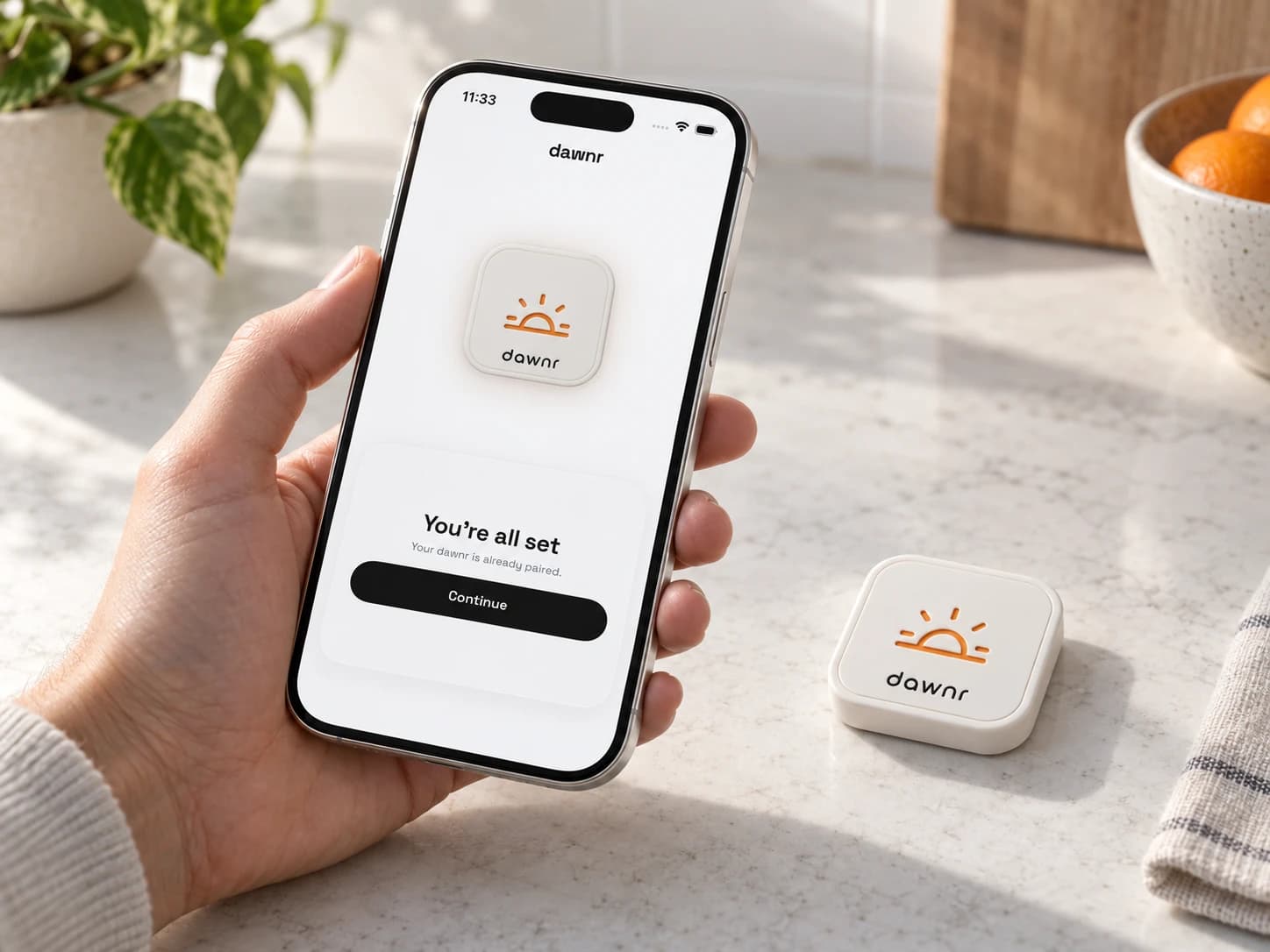
Pair
Download the dawnr app. Pair your dawnr. Set your alarm.
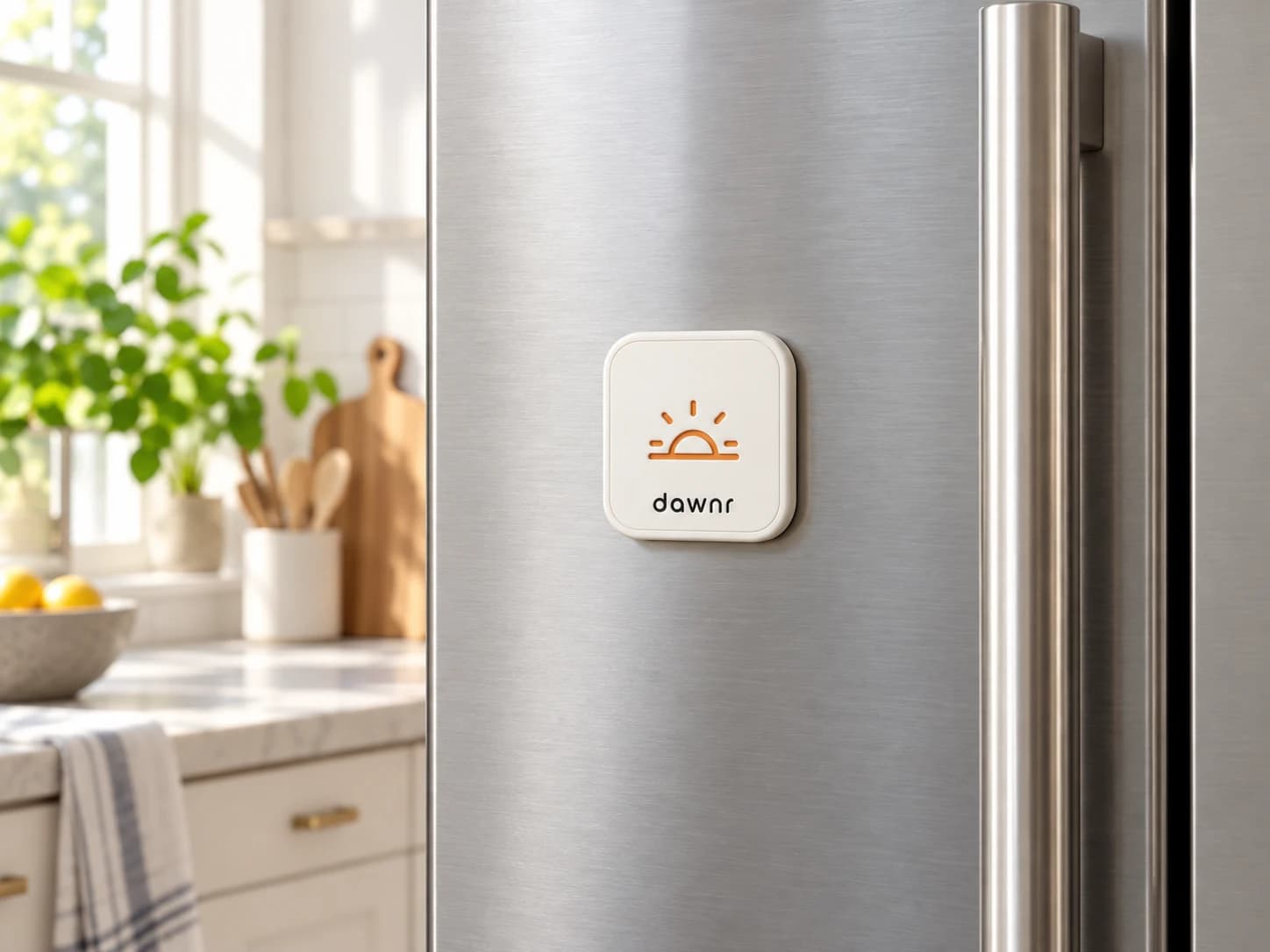
Place
Place dawnr out of reach from your bed. Somewhere you need to stand up to reach.
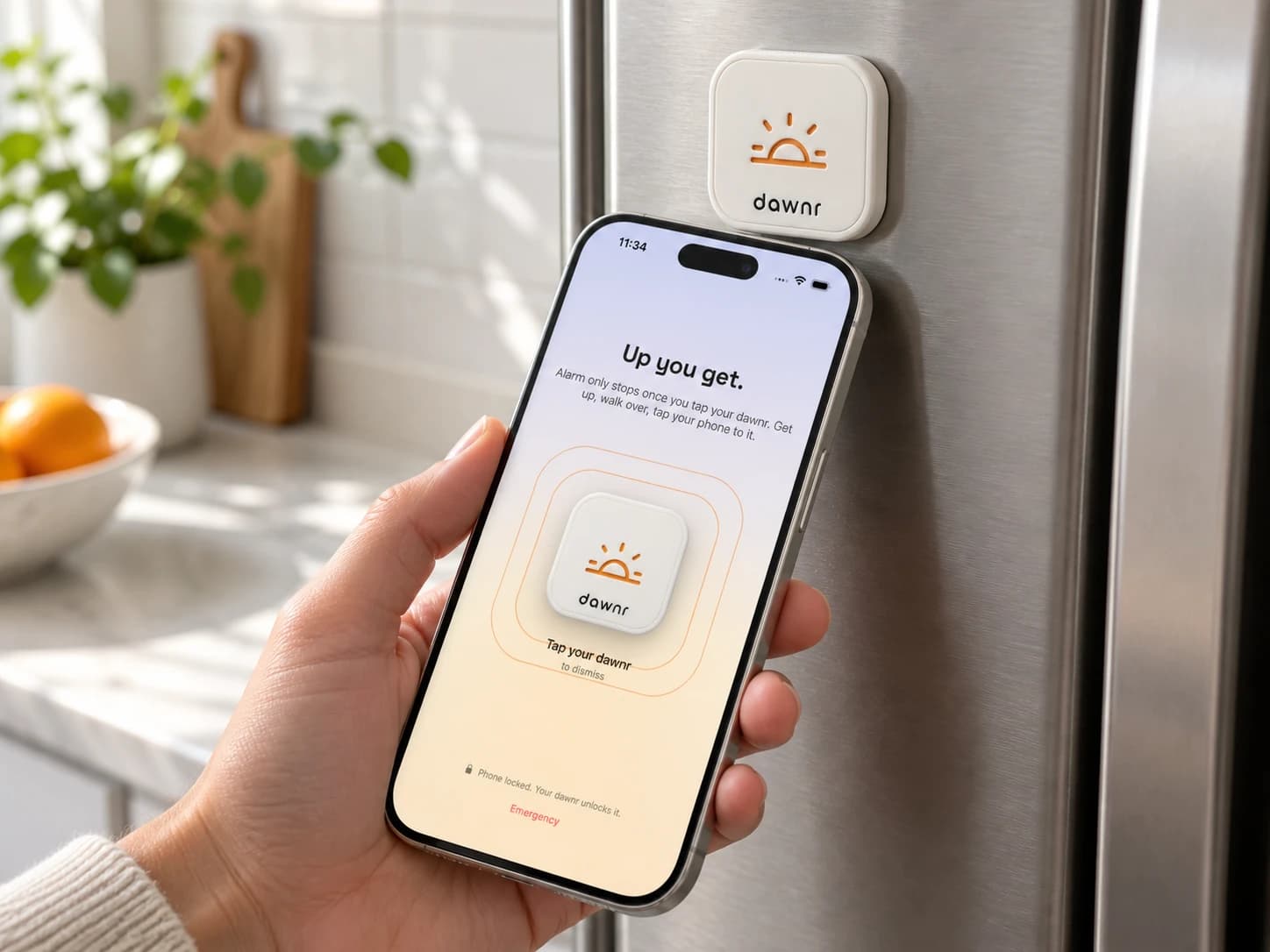
Scan
When your alarm rings, open the alarm notification. Follow the scan prompt and tap the top of your iPhone to dawnr to stop it.
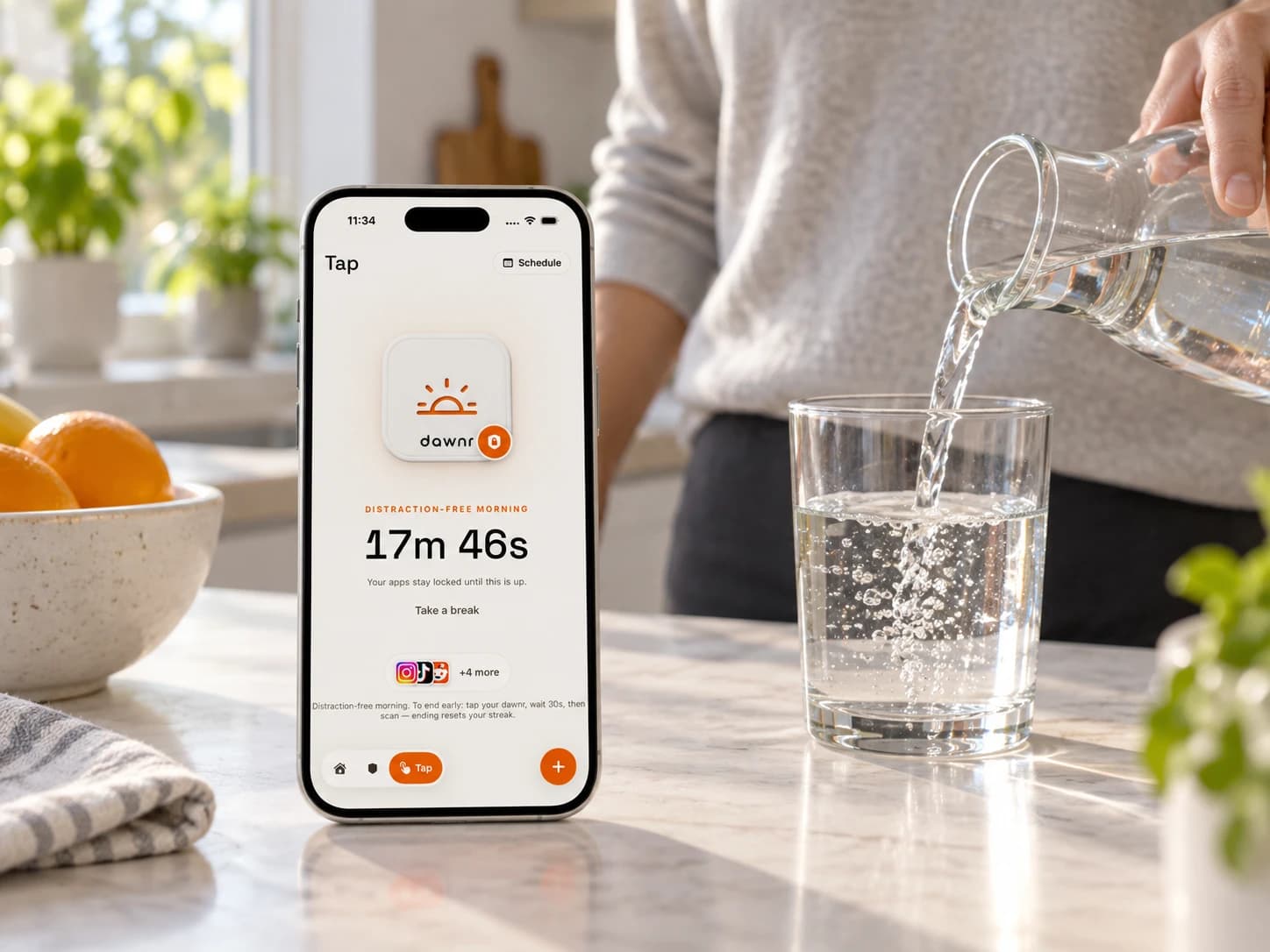
Start
You’re up. With app blocking enabled, selected distracting apps stay locked for your chosen morning interval.
Free standard US shipping · 30-night money-back guarantee
Why choose dawnr?
Self-managed phone settings still leave the next move on your screen.Most alarms end on your screen. dawnr adds a physical step.
- Screen Time limits
Easy to override yourself.
- Deleting apps
Easy to reinstall.
- Grayscale mode
Easy to switch off.
- Snooze buttons
Another nine minutes in bed.
- Phone alarms
Dismissed without getting up.
- Morning scrolling
The feed starts before your day.
dawnr adds a step outside your phone: get up and scan the device. Enable app blocking to keep selected distractions locked for your chosen morning interval.dawnr adds a physical step to your morning. Get up and scan it to end your alarm. Enable app blocking to help keep bed rotting and doomscrolling from pulling you back in.
iOS controls remain available.
Get dawnr.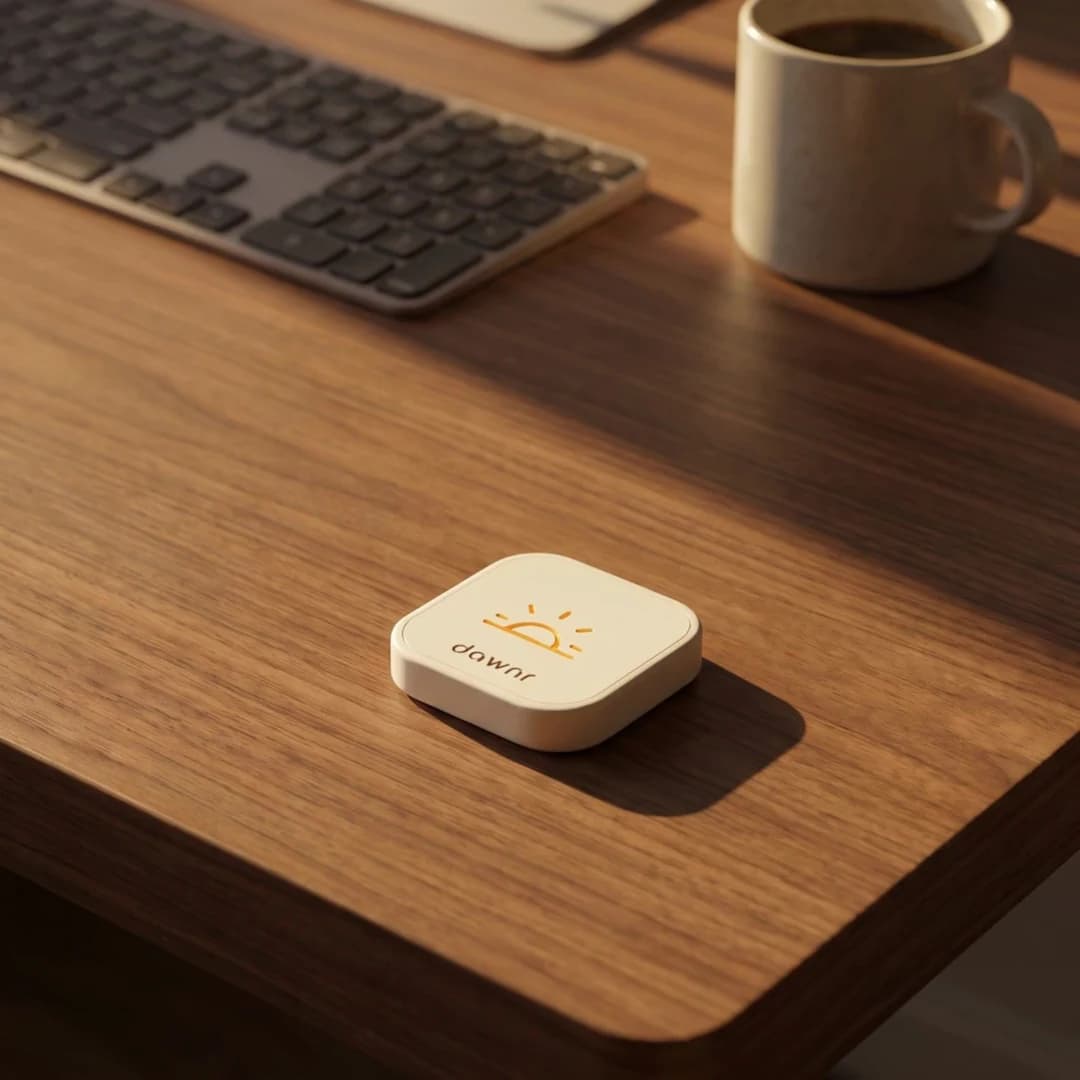
Shop the DawnrWhat would you do with a morning that starts out of bed?
Less snoozing. Less scrolling.
Get out of bed and into your morning, with optional app blocking to help you stay off the feed.
Checkout $59Feet on the floor. Less time in the feed.
Get up and scan dawnr to stop your iPhone alarm. Turn on app blocking to give your morning fewer distractions.
Get dawnr.30-night money-back guarantee
Made for real mornings.
A reason to stand up
Place dawnr beyond arm’s reach. Scanning it gives your alarm a physical finish line.
Less morning scrolling
Enable app blocking to keep selected distractions locked for your chosen morning interval.
Your wake-up routine
Choose your alarm and morning interval in the dawnr app. Your iPhone plays the sound.
Shop the dawnr
5-star App Store ratingBuilt for mornings away from bed.
Place dawnr out of arm’s reach. Get up and scan it to stop your iPhone alarm.
Get dawnr.FAQ
Questions before your first morning
What happens when my alarm goes off?
Your iPhone plays the alarm you set in the dawnr app. Get up, open the app, and tap the top of your iPhone to dawnr to stop it.
Which iPhones work with dawnr?
dawnr works with iPhone. The full alarm experience requires iOS 26 or later. iOS 18 through 25 use notifications instead. Check the compatibility details before ordering.
Can it lock my morning apps?
You can choose app-lock features in the dawnr app. That choice requires Screen Time permission from iOS.
Will dawnr make me wake up?
dawnr adds distance between you and dismissing an alarm. It does not cure sleeping through alarms, is not tamper-proof, and iOS controls remain available.
Make the distance real
Ready to place it away from bed?
Free standard US shipping. 30-night money-back guarantee.
Get dawnr.